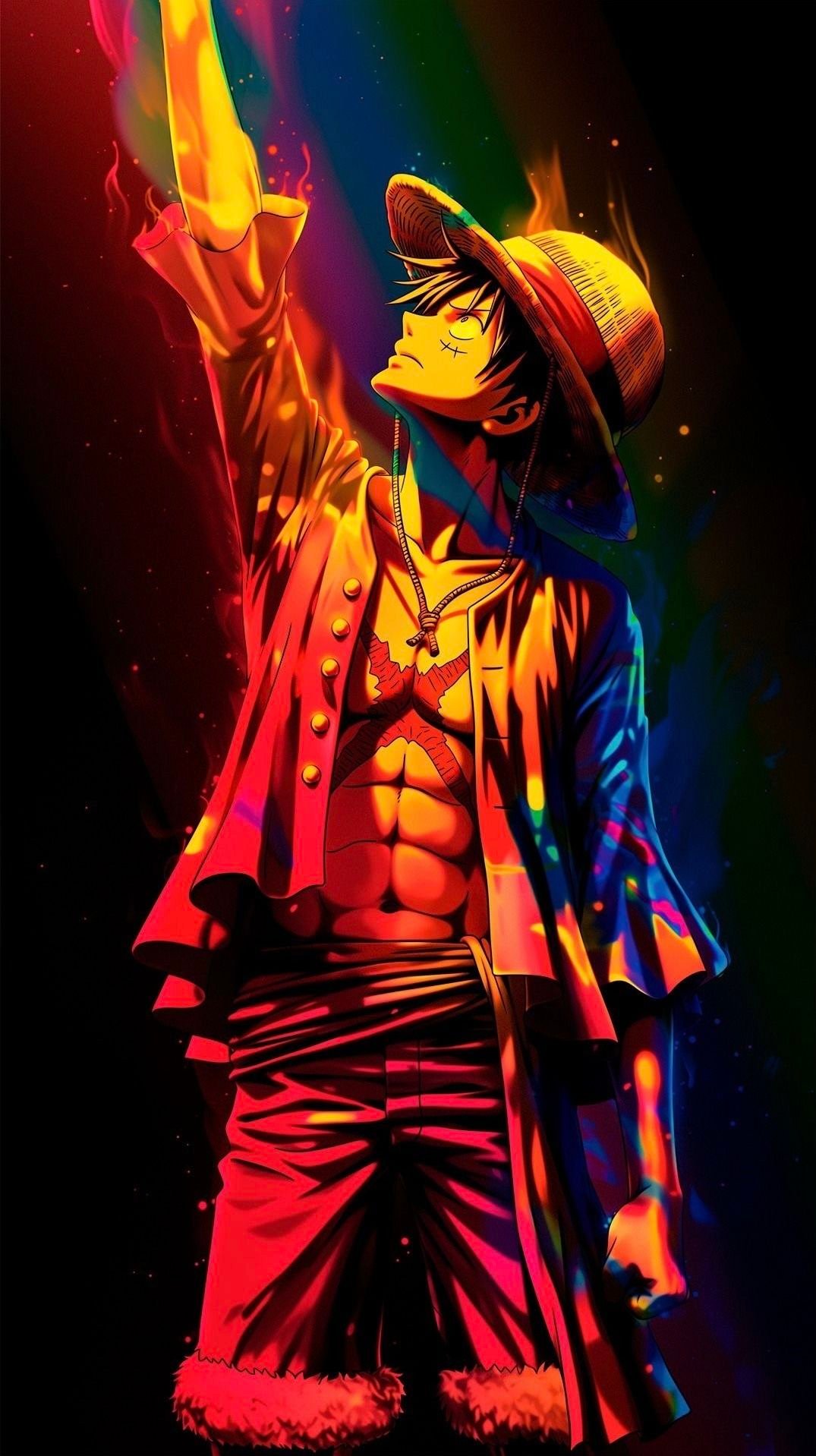
Our hand-picked Naruto, Kakashi and Akatsuki wallpapers for iPhone, with honest notes on resolution, cropping and which ones keep the lock-screen clock readable.
Naruto is the biggest collection on Anime4KWall, with close to a hundred portrait wallpapers. That is a lot to scroll through, so this guide does the filtering for you. We went through the whole Naruto category and picked the wallpapers that actually work on an iPhone: the ones that survive the lock-screen crop, leave room for the clock, and hold up at your screen's resolution.
We also want to be upfront about something most wallpaper sites skip. Many popular anime wallpapers circulate online at around 736 pixels wide. That is fine for a quick share, but an iPhone 15 or 16 screen is 1179 pixels wide, so the phone has to stretch the image by roughly 1.6×. Every pick below lists its real size, so you know what you are getting before you download.
What makes a good Naruto iPhone wallpaper
Three things matter more than the character you pick:
- Aspect ratio. Recent iPhones are about 19.5:9, which is taller than the 16:9 shape most wallpapers use. A 9:16 image will lose a thin strip on the left and right when iOS fills the screen.
- Where the face sits. The clock covers the top fifth of the lock screen. If the character's eyes sit up there, the time will cut straight through them. Look for art where the subject sits in the middle third.
- Source size. The closer a file is to your screen's width, the sharper it looks. Anything above 1080 pixels wide looks clean on every current iPhone.
The sharpest picks: high-resolution Naruto wallpapers
If image quality is your priority, start here. These files are large enough that iOS barely has to scale them.

Naruto Double Exposure is the standout of the category at 1200×2660. Its tall shape is already very close to a modern iPhone, so almost nothing gets cropped. The double-exposure style blends a face with a burning village in soft, muted tones, so white clock digits stay readable over it.
For a more classic look, browse the Naruto category with the Full HD filter in mind: about a dozen files in the collection are 1080 pixels wide or more. Those are the ones we recommend for Pro Max models, where the screen is 1290 to 1320 pixels wide and small files look noticeably soft.
Best for the lock screen
The lock screen rewards simple shapes and clear contrast, because the clock and notifications sit on top of the art.

Naruto Collage Silhouette (736×1308) fills the outline of Naruto's head with a collage of the series on a plain white background. Silhouettes are the most forgiving style for a lock screen: the hard edge stays readable after scaling, so it looks cleaner than its size suggests. Choose a dark clock color for it, since the background is light.

Naruto Sage Mode Battle (736×1309) is a tight close-up of Naruto's Sage Mode eyes in orange and red. Because the face fills the frame, drag it down a little when you set it so the clock sits over his headband rather than his eyes. As a 736-pixel file, it suits standard iPhones better than Pro Max models.
Best Kakashi and Sharingan wallpapers
Kakashi and the Uchiha eyes are some of the most requested Naruto wallpapers. The eye close-ups are especially good on iPhones with OLED screens, because the dark areas around the eye switch the pixels off and the red glows.

Neon Blue Kakashi Lightning (736×1308) shows Kakashi in electric blue inside narrow frames on a black background. It is one of the most downloaded Naruto wallpapers on the site, and because most of the image is black, it is one of the best Naruto picks for an OLED iPhone.
Mangekyou Sharingan Close Up (736×1308) is a tight crop of the Mangekyou Sharingan. Use it as a home-screen wallpaper rather than a lock screen: the eye sits high in the frame, and app icons in the middle rows frame it nicely.
Kakashi Chidori Lightning is a shorter file at 736×1104, closer to a 2:3 photo shape. On an iPhone it will be cropped quite a bit at the sides, so open it full screen first and check that the lightning still sits where you want it.
Akatsuki and villain picks
Dark wallpapers do two jobs: they look great, and on OLED iPhones they use less battery than bright ones.
- Tobi Akatsuki Collage (736×1288) is the most downloaded wallpaper in the Naruto category: Tobi in his Akatsuki cloak over a grey manga-panel collage. The pattern fills the frame, so there are no empty edges after cropping.
- Obito Rinnegan Mask (736×1308) turns Tobi's orange spiral mask into a giant backdrop, with a small figure standing below it. The bold, simple shapes read well even at a glance.
How to set it up so it looks its best
- Download the original file from the wallpaper page. Do not screenshot the preview: a screenshot saves the scaled-down preview, not the full file.
- Open Settings → Wallpaper → Add New Wallpaper → Photos and pick the image.
- Pinch to zoom out as far as iOS allows. Each extra zoom step enlarges the image further and makes a 736-pixel file softer.
- If the clock overlaps a face, drag the image down slightly. If iOS offers the depth effect, try it: on wallpapers with a clear subject, the character can sit in front of the clock.
- For the home screen, choose Blur when you set the wallpaper if your icons are hard to read over a busy image.
Our quick recommendations
- iPhone Pro Max: stick to files 1080 pixels wide or more, starting with Naruto Double Exposure.
- Standard iPhone: any pick above works; silhouettes and neon styles scale best.
- Older or smaller iPhones (SE, mini): the 736-pixel files are close to native size and look sharp.
You can browse the full set in the Naruto wallpaper category. If you are not sure which size fits your phone, our guide on avoiding blurry anime wallpapers explains how to match a file to your screen.