Best Anime Wallpapers for Android
Android-friendly anime wallpaper tips: aspect ratios, AMOLED blacks, and home vs lock screen setup.
Android phones vary widely in aspect ratio (19.5:9, 20:9, and more). The best wallpaper is one that still looks intentional after your launcher crops it.
Start with portrait files
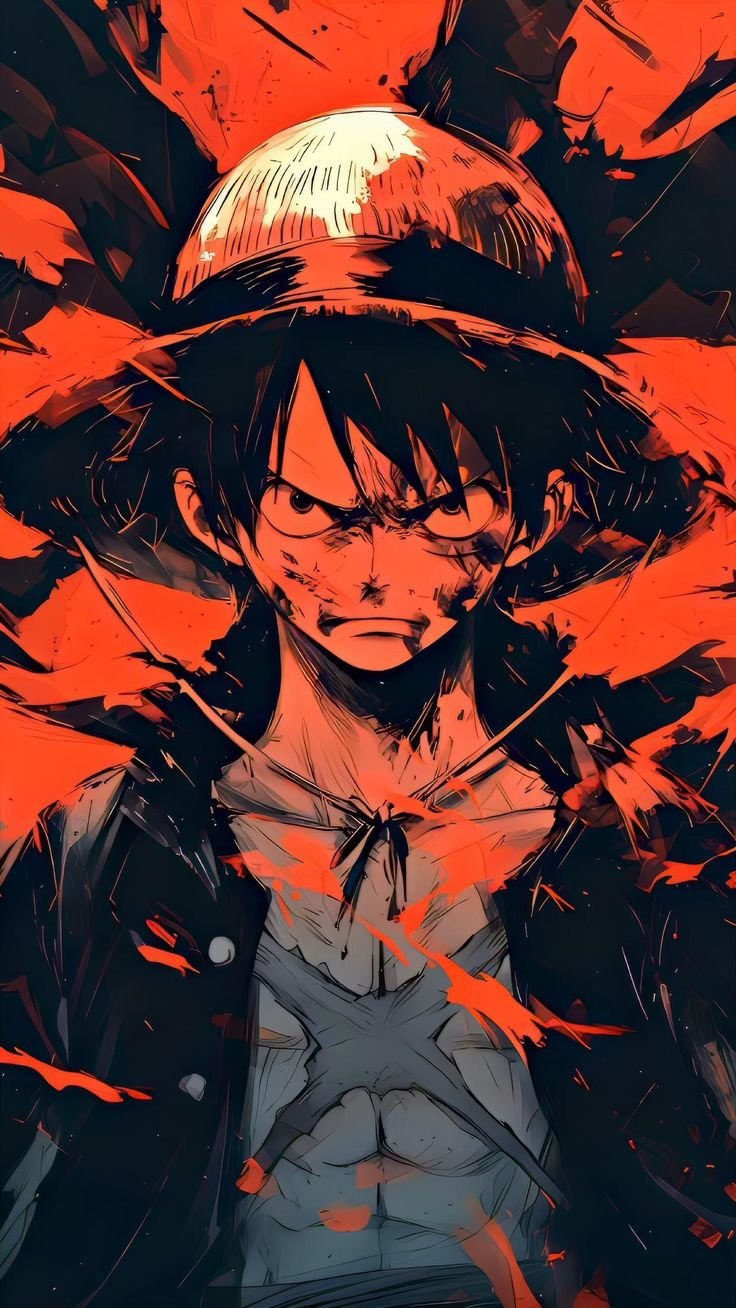
Portrait anime wallpapers are the default match for phones. Prefer images where the main subject sits in the middle third so app icons and gesture bars do not cover eyes or titles.
AMOLED Android advantage
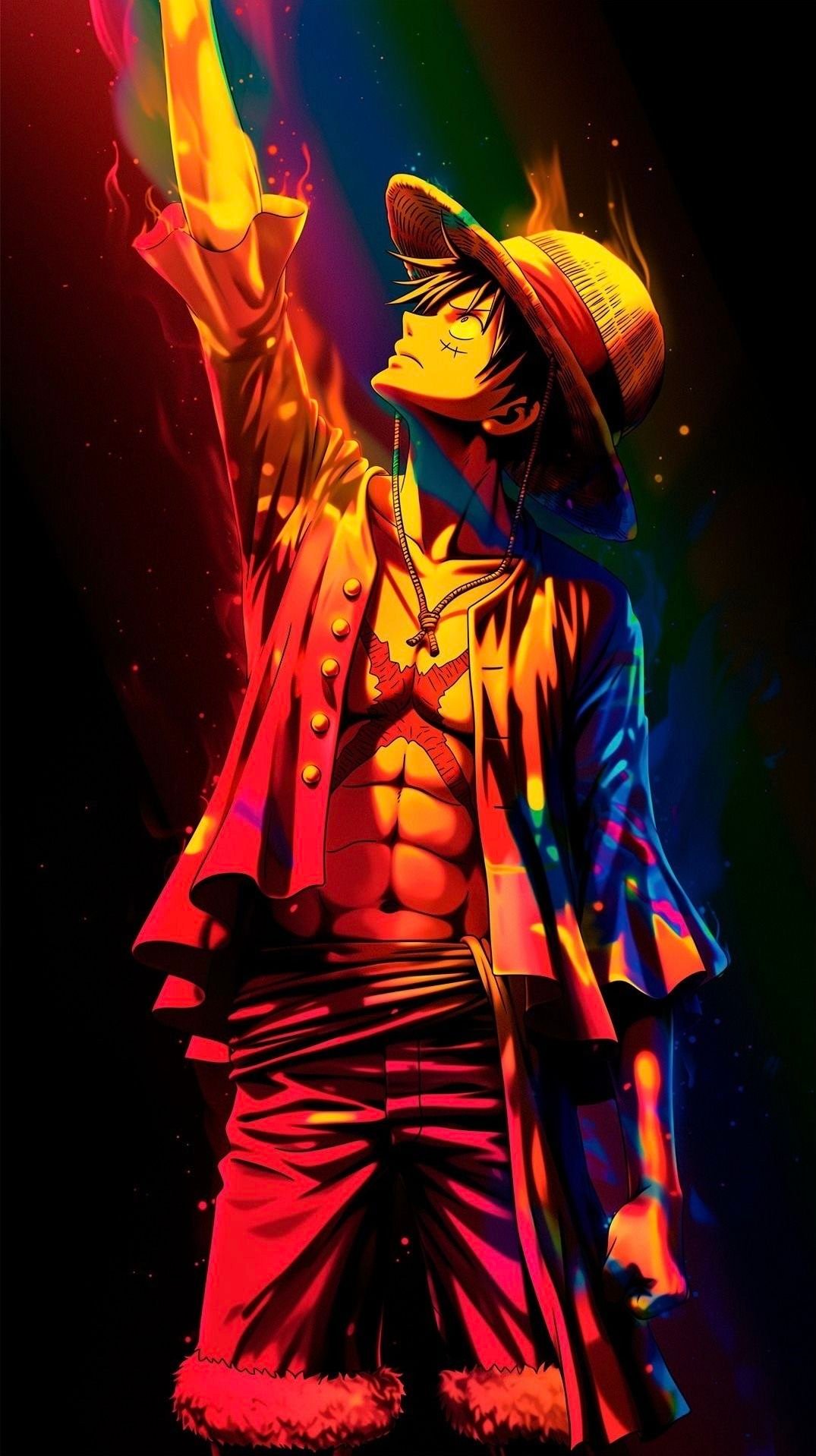
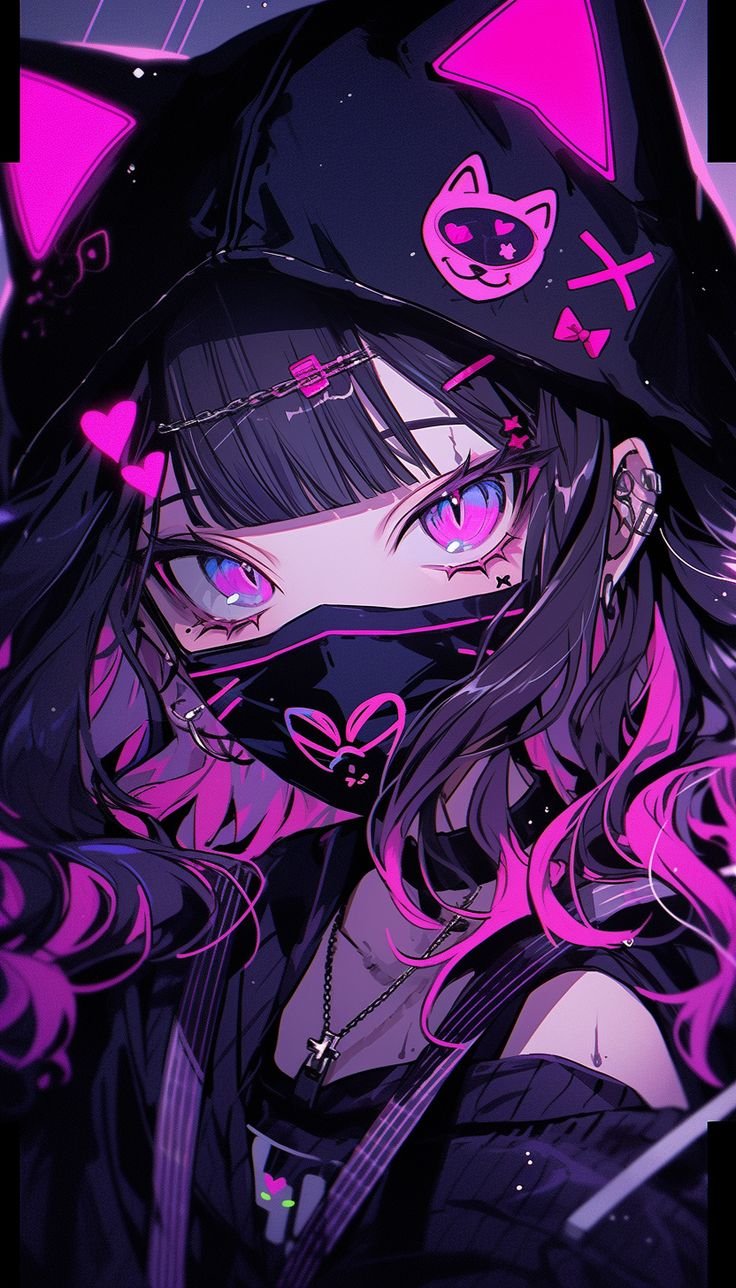
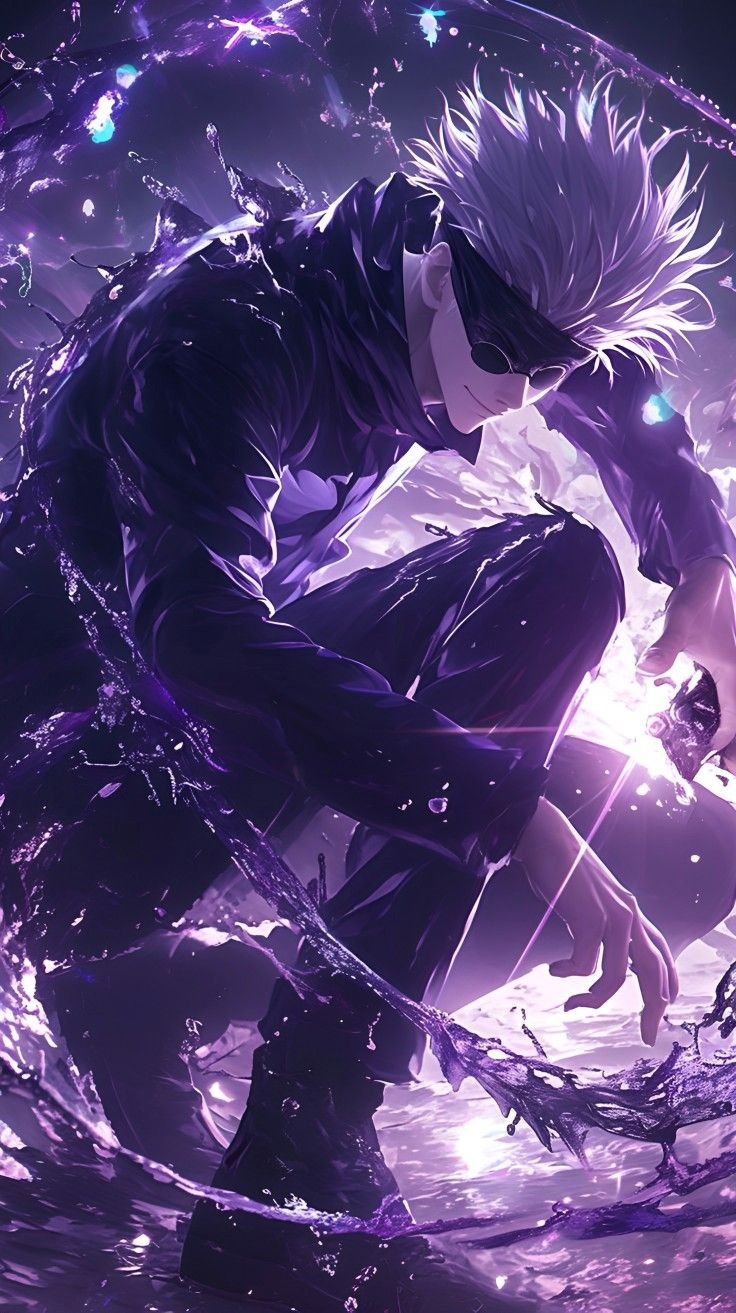
If your panel is OLED/AMOLED, dark anime wallpapers can look richer and may reduce power use versus bright full-bleed art. Pure black backgrounds make neon accents and character outlines pop.
Home screen vs lock screen
- Lock screen — prioritize readable clocks; avoid busy detail behind the time.
- Home screen — leave calmer space where icon grids sit; consider dual-tone art.
Setting a wallpaper on Android
Download the file → open in Files/Gallery → Set as wallpaper → choose Home, Lock, or both. Some launchers add blur — preview before confirming.
FAQ
What resolution should Android users pick?
Full HD portrait covers most phones. QHD/2K phones can benefit from 2K sources; 4K is optional.
Why do colors look washed out?
Some launchers apply dimming or blur. Try a higher-contrast or AMOLED-style wallpaper, or disable wallpaper dimming in launcher settings.
Related wallpapers
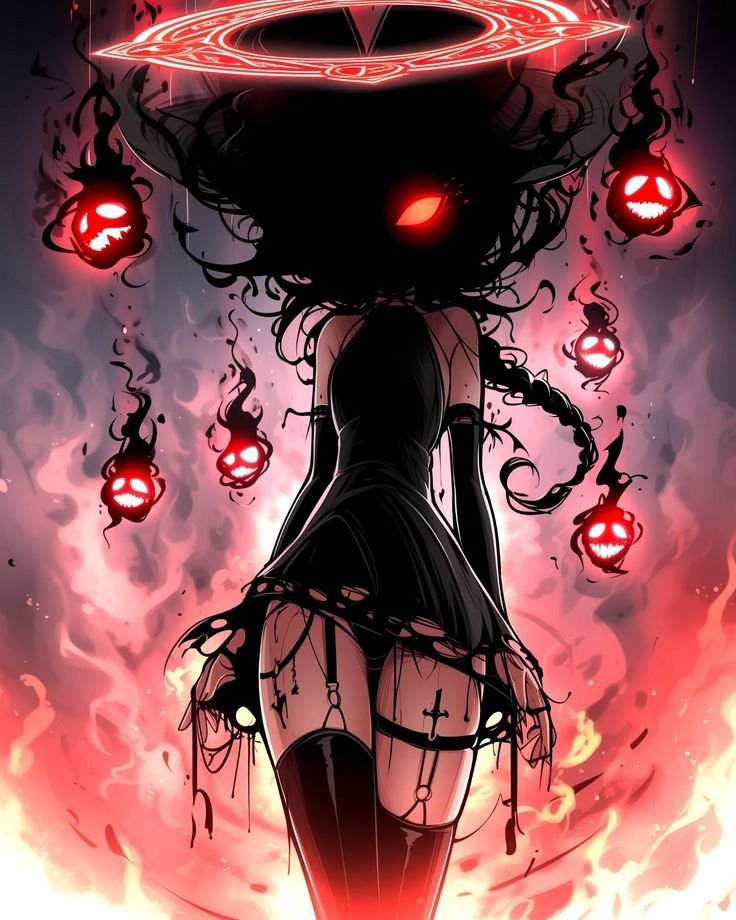
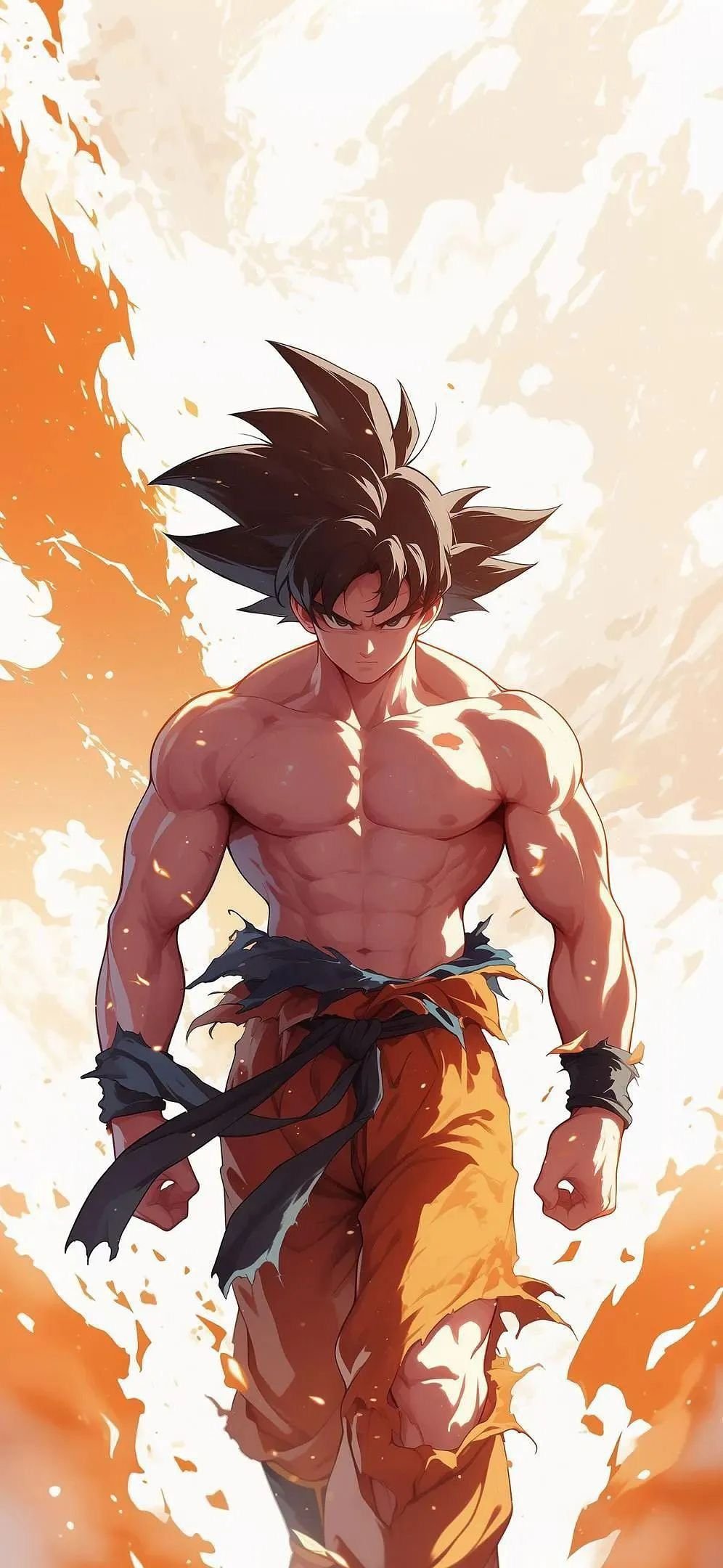
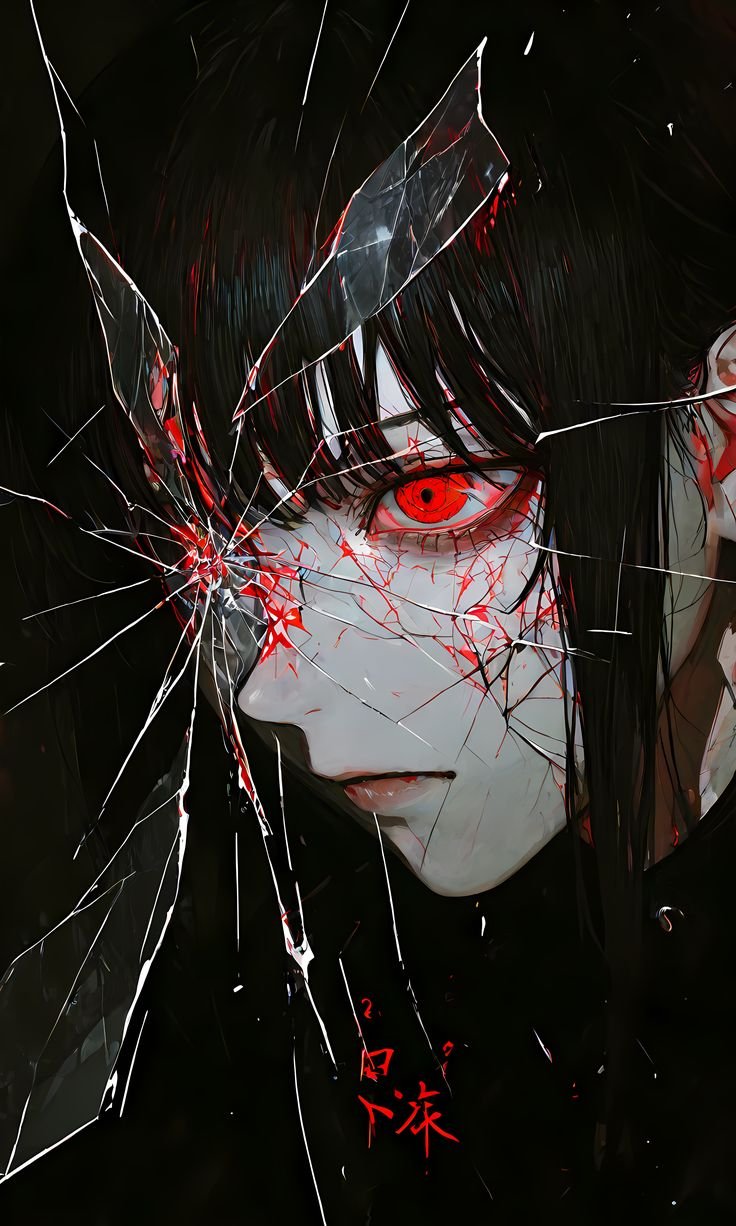
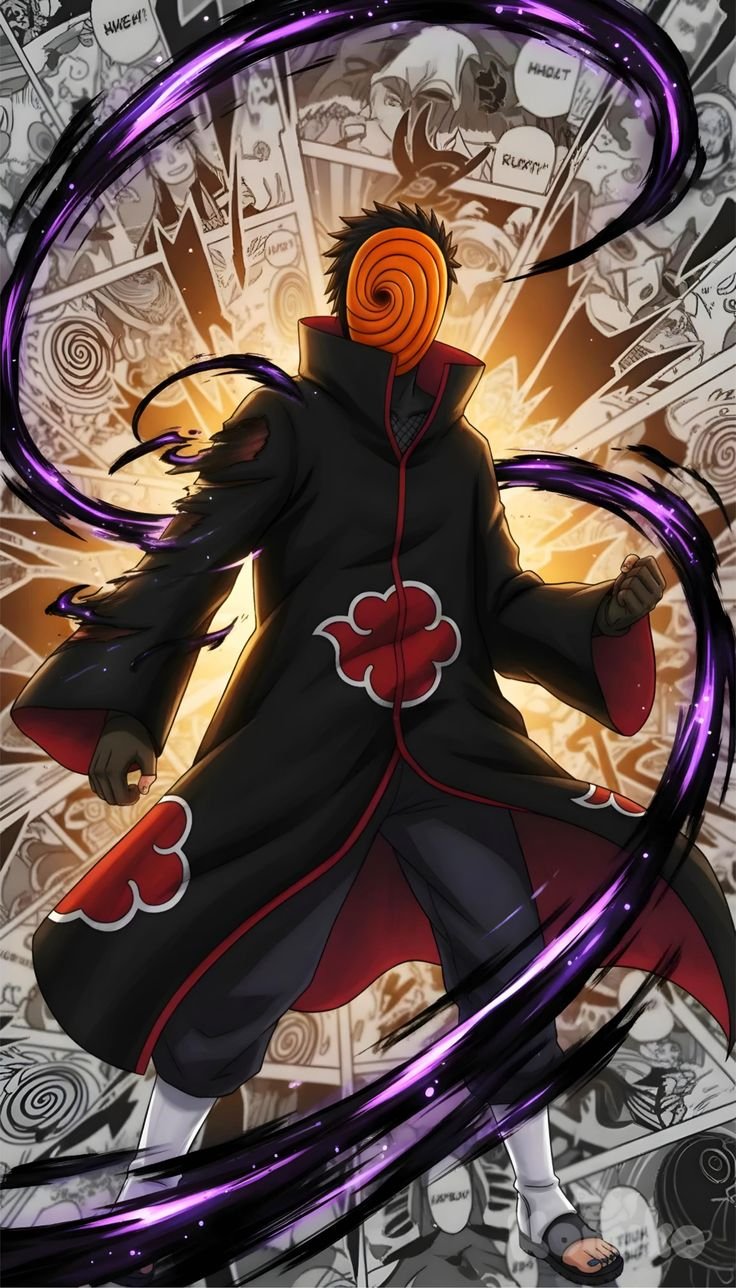
More guides
Best AMOLED Anime Wallpapers
What makes an anime wallpaper AMOLED-friendly, and how to use dark art on OLED phones.
Best Anime Wallpapers for iPhone in 4K
How to pick anime wallpapers that look sharp on iPhone — including when 4K helps and when Full HD is enough.
How to Set an Anime Wallpaper on Android
Download and apply anime wallpapers on Android home and lock screens.
Portrait vs Landscape Anime Wallpapers
Why orientation matters more than a 4K label — phones, tablets, and desktops need different crops.