 HD

LIVE
PRO
Download
Only sizes this file can provide — we do not upscale a smaller source into 4K or Full HD.
Color Palette
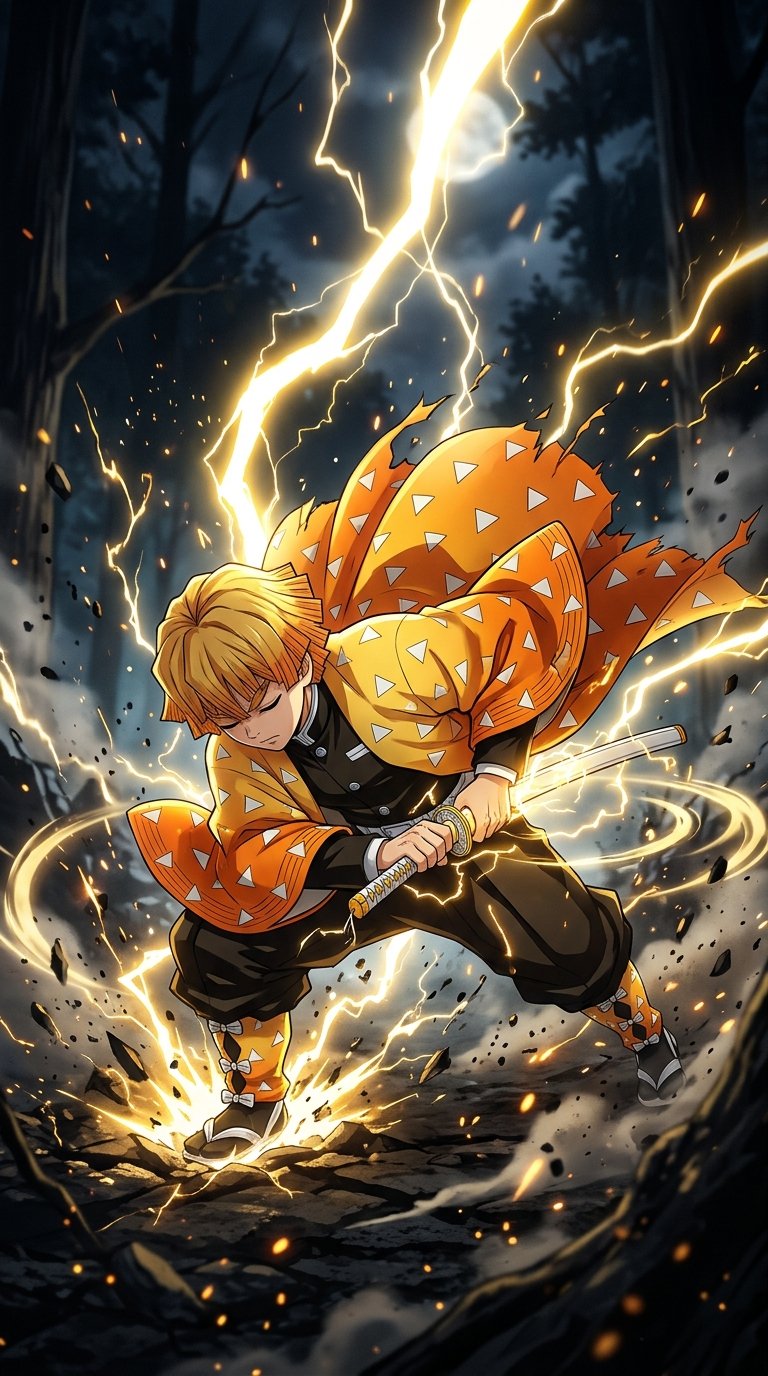
Zenitsu Agatsuma Thunder Breathing Wallpaper
Zenitsu Agatsuma Thunder Breathing is an animated live Demon Slayer wallpaper featuring Zenitsu. Download it free for iPhone and Android and set it as your lock screen or home screen. More Demon Slayer wallpapers and live wallpapers are on Anime4KWall.
Wallpaper details
- Resolution
- Original
- Format
- MP4
- Orientation
- Landscape
- File size
- 2.01 MB
- Category
- Demon Slayer
- Style
- Live / motion
- Recommended devices
- Desktop, Ultrawide monitors, Live wallpaper apps
Best for
- Desktop Landscape composition fits PC and Mac monitors. Keep important faces above the taskbar / dock.
- Ultrawide monitors Standard 16:9 art will crop on 21:9. Only use this on ultrawide if the sides are scenery, not faces.
- Live wallpaper apps Motion playback is not universal. Use a still download if your OS will not loop the file.
About this wallpaper
Zenitsu Agatsuma Thunder Breathing sits in the Demon Slayer category as a landscape MP4 — labelled Original from those pixels, not from the filename.
Tagged as a live wallpaper. Playback depends on the device; the still preview is the look of the loop.
Tags on this file: Demon Slayer, Live, Anime, Wallpaper, Zenitsu, and Zenitsu Agatsuma.
Personal device background use only. Characters and artwork remain with their rights holders.
FAQ
Is this wallpaper meant for a phone or a monitor?
It is landscape (Original). Use it on a desktop or laptop. A phone lock screen would crop or letterbox it heavily.
Related wallpapers


Recently viewed


Popular wallpapers


Comments
0Tap anywhere to close
Set as Wallpaper
- Download Original or the size for your screen.
- iPhone: Photos → Share → Use as Wallpaper.
- Android: Open image → Set as → Wallpaper.
- Desktop: Right-click → Set as desktop background.
Report wallpaper
Tell us what’s wrong and how we can reach you. We review reports quickly.
Loading…
Be the first to comment.