How to Set an Anime Wallpaper on iPhone
Step-by-step: download an anime wallpaper and set it on iPhone lock and home screens.
Setting a wallpaper on iPhone takes a minute once the image is in Photos.
Steps
- Open the wallpaper page on Anime4KWall and tap Download (complete any clear “watch ad to unlock” step if shown).
- Open the image in Photos.
- Tap the share icon → Use as Wallpaper.
- Pinch to resize. Keep faces away from the top clock area.
- Set Lock Screen, Home Screen, or both. You can customize them separately on modern iOS versions.
Perspective Zoom
If the image shifts when you tilt the phone, disable Perspective Zoom in wallpaper settings for a fixed crop.
FAQ
The download opened in Safari instead of Photos
Long-press the image or use the download control, then tap the download list / Files and save to Photos.
Related wallpapers
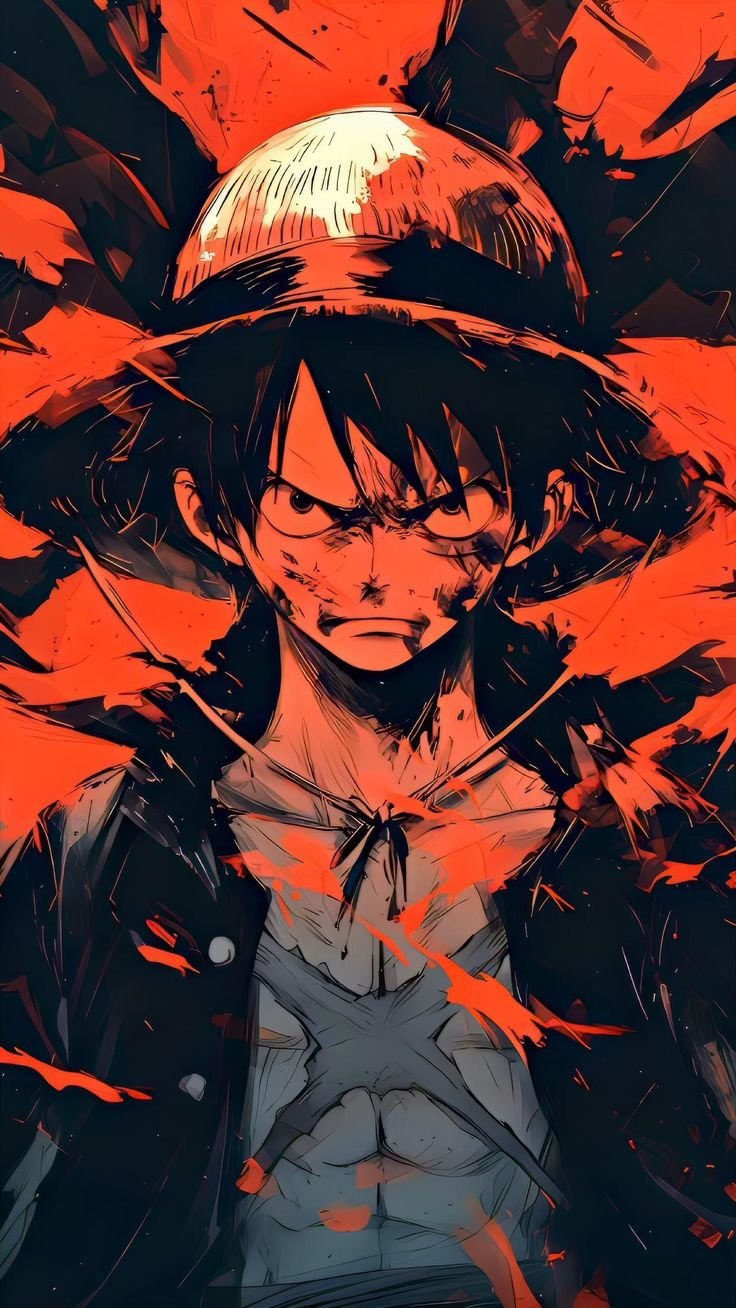


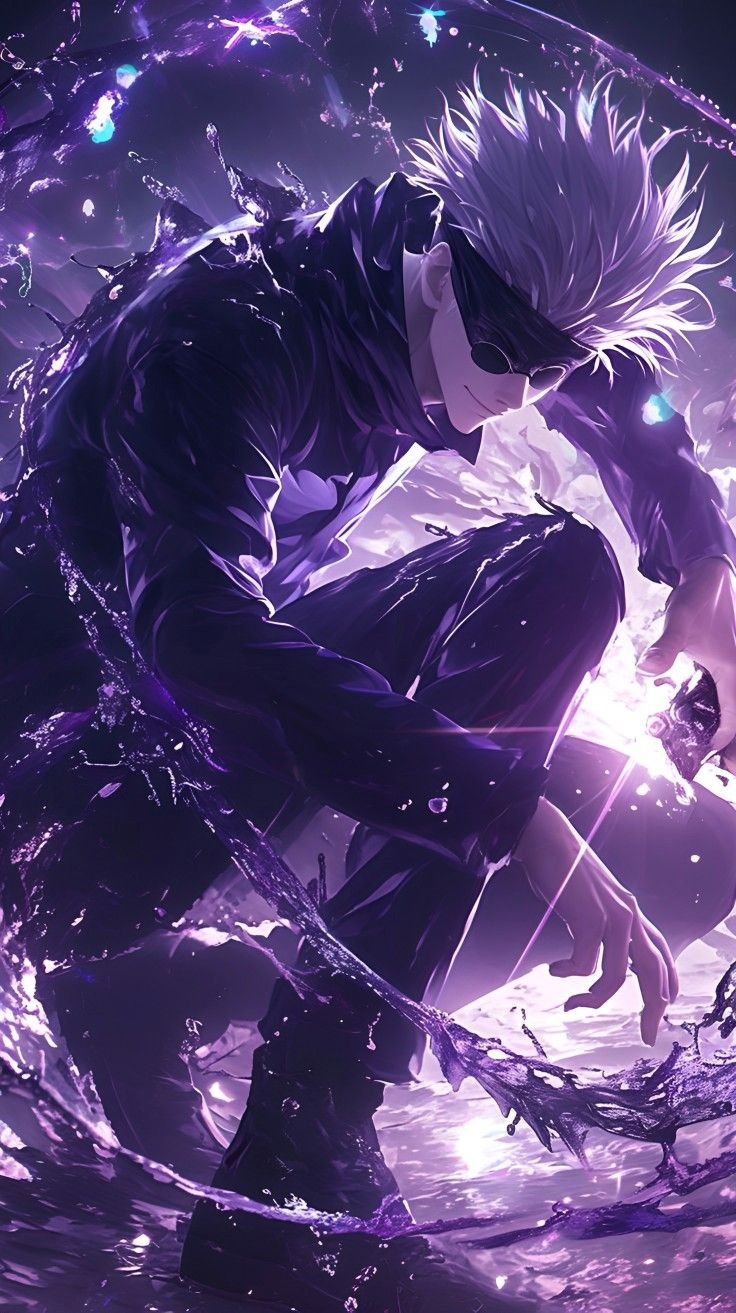

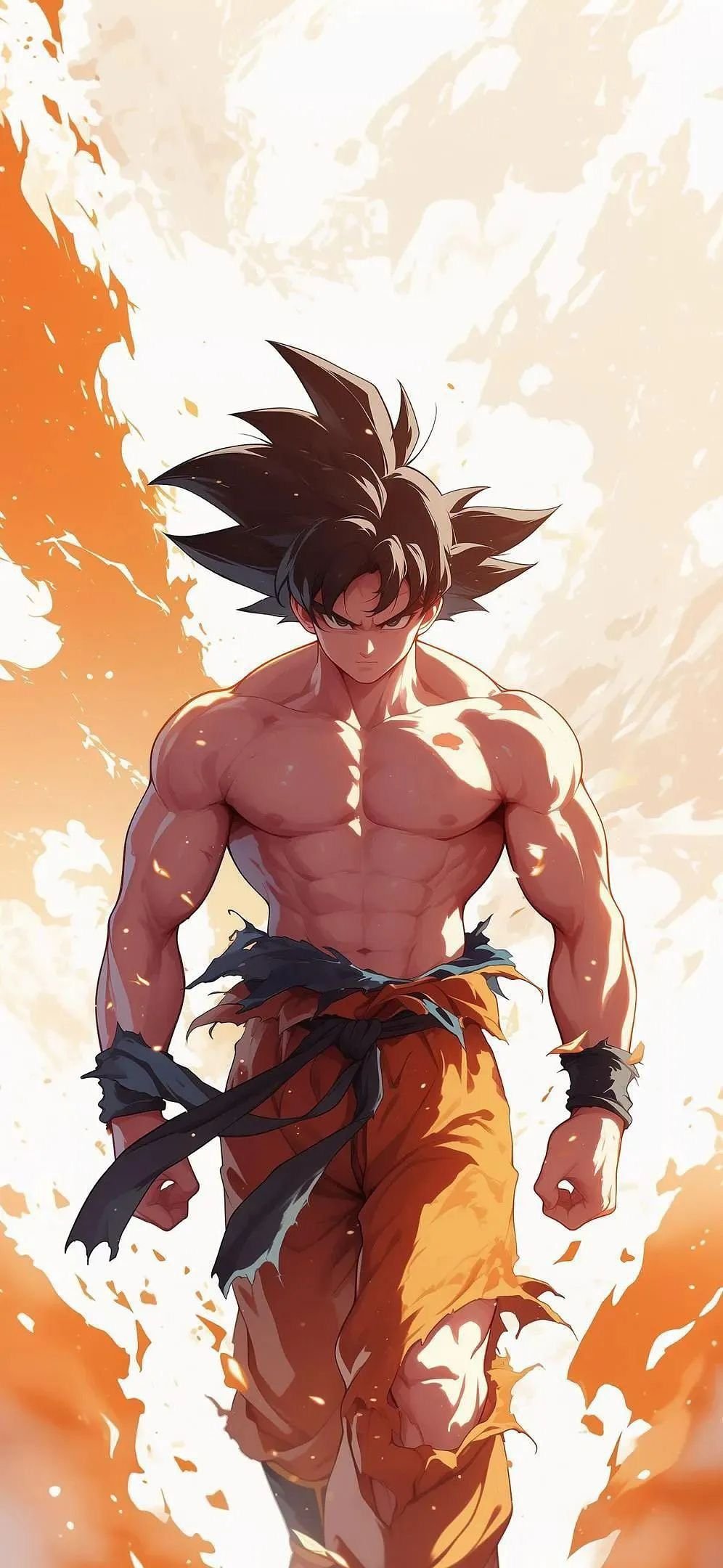
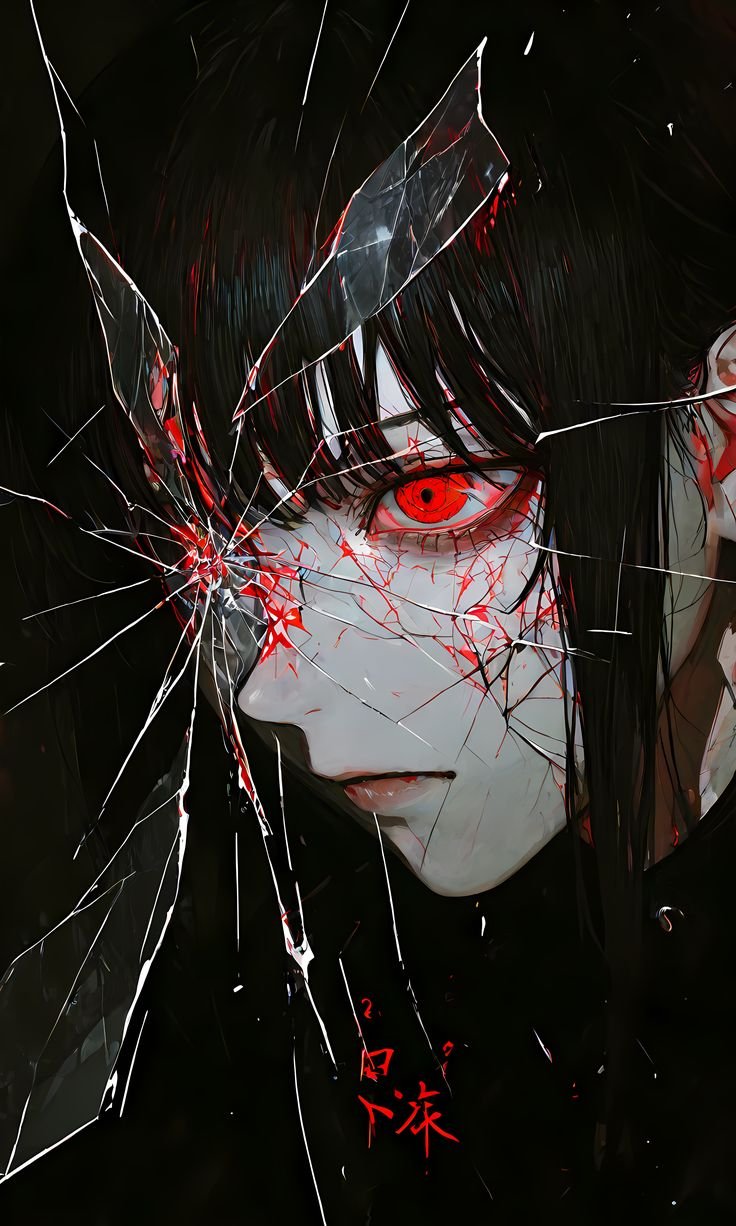
More guides
Best Anime Wallpapers for iPhone in 4K
How to pick anime wallpapers that look sharp on iPhone — including when 4K helps and when Full HD is enough.
How to Set an Anime Wallpaper on Android
Download and apply anime wallpapers on Android home and lock screens.
How to Choose a 4K Anime Wallpaper
A checklist for picking a 4K anime wallpaper that actually fits your screen instead of a huge file you never need.
Best Anime Wallpapers for Android
Android-friendly anime wallpaper tips: aspect ratios, AMOLED blacks, and home vs lock screen setup.