 735×976
LIVE
PRO
Download
Only sizes this file can provide — we do not upscale a smaller source into 4K or Full HD.
Color Palette
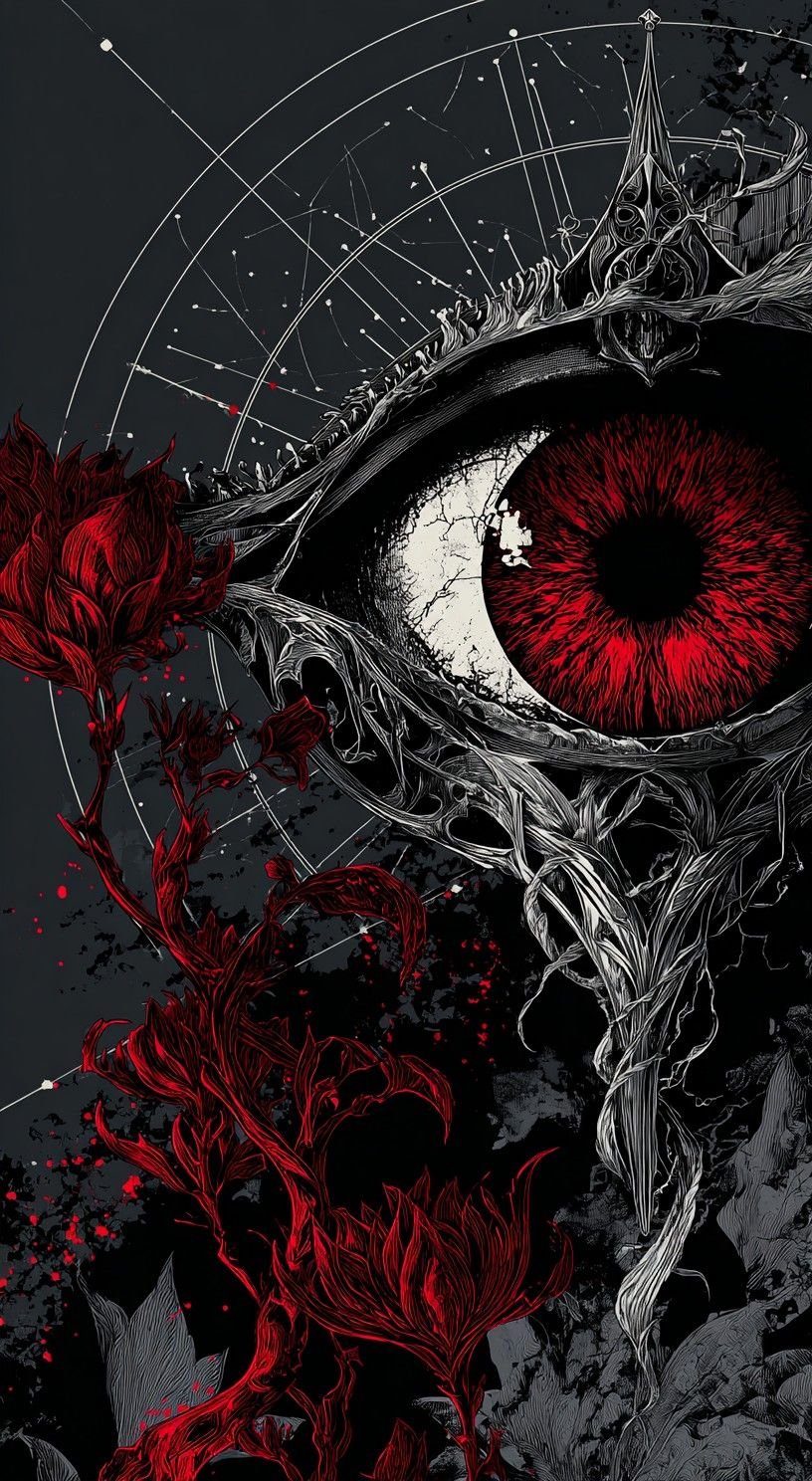
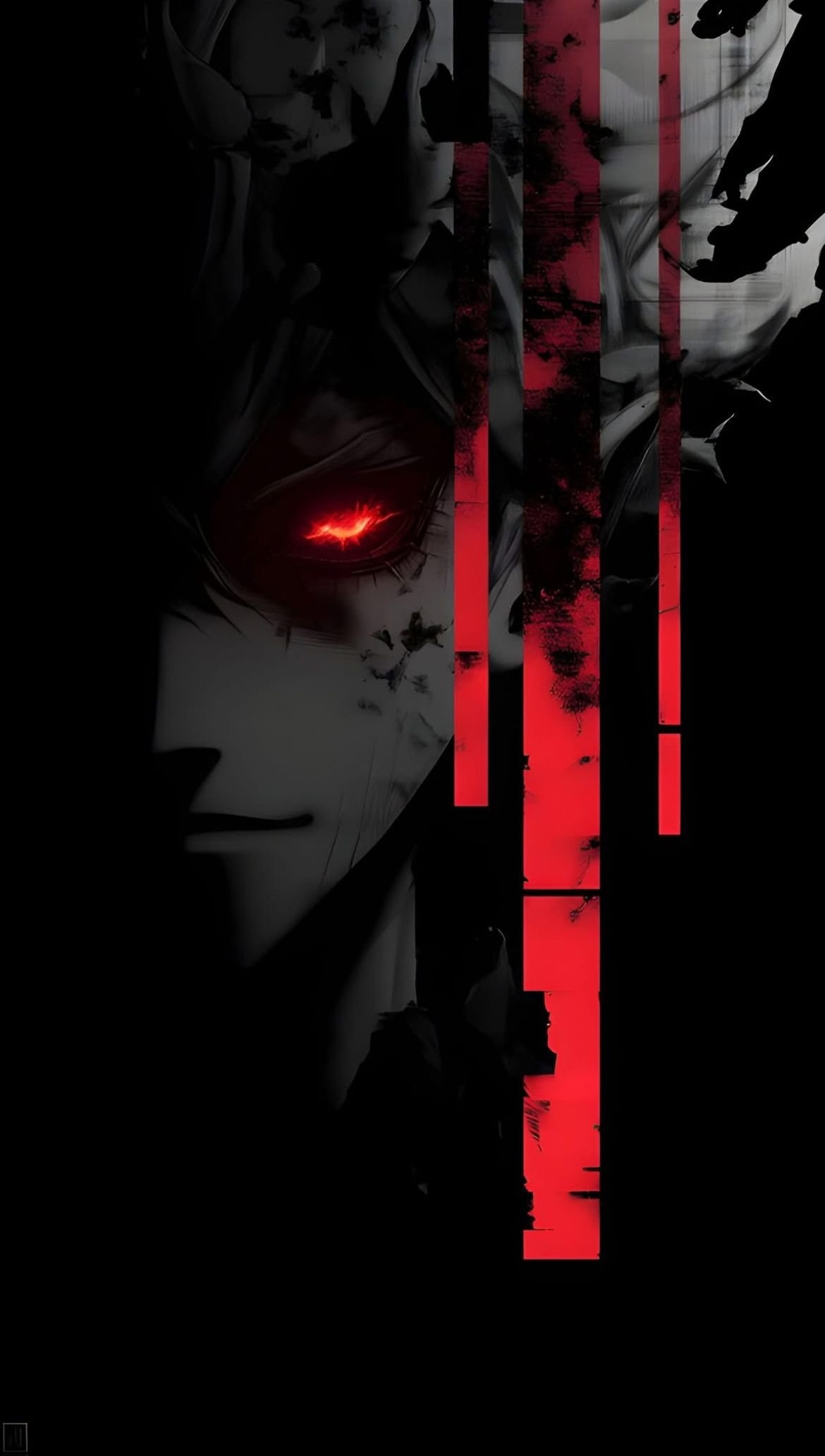
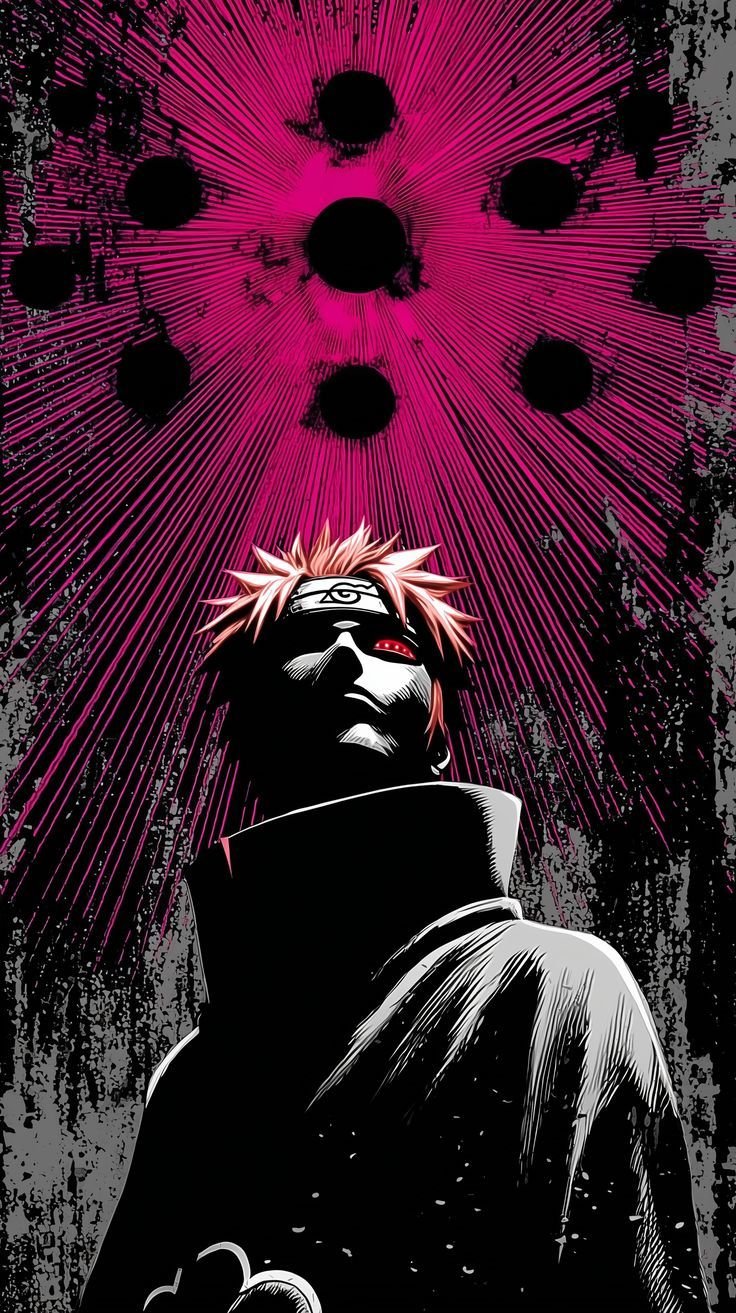
Gothic Red Eye Rose Wallpaper
Gothic Red Eye Rose is a 4K HD Other Anime wallpaper. Download it free for iPhone and Android and set it as your lock screen or home screen. More Other Anime wallpapers and live wallpapers are on Anime4KWall.
Wallpaper details
- Resolution
- 816×1488
- Width
- 816 px
- Height
- 1488 px
- Aspect ratio
- 17:31
- Format
- JPG
- Orientation
- Portrait
- File size
- 278.5 KB
- Category
- Other Anime
- Recommended devices
- iPhone, Android, Lock screen, Home screen
Best for
- iPhone Portrait framing matches iPhone lock and home screens. Keep the subject out of the top clock / Dynamic Island band when you set the crop.
- Android Portrait files are the default match for Android launchers. If your phone is 20:9, expect a little extra crop on the short edge.
- Lock screen Works as a lock screen if the focal point sits in the middle third. Bright textures behind the clock can hurt readability.
- Home screen Leave quieter zones where icons sit. If the art is very busy, use this file on the lock screen and a calmer one at home.
About this wallpaper
Gothic Red Eye Rose sits in the Other Anime category as a portrait JPG at 816×1488 — labelled 816×1488 from those pixels, not from the filename.
At 816×1488 this is a phone-sized source (816×1488). Use Original — larger 4K/Full HD buttons are not offered because they would upscale this file.
Tags on this file: Anime and Wallpaper.
Personal device background use only. Characters and artwork remain with their rights holders.
FAQ
What are the real pixels of this wallpaper?
The stored source is 816×1488 pixels, labelled 816×1488 from those dimensions (not from the filename). Download Original for that exact size. Extra 4K/QHD/Full HD files appear only when this source is large enough to downscale.
Will this wallpaper fit an iPhone or Android lock screen?
Yes as a starting point: it is a portrait file at 816×1488. Crop still depends on your notch/camera cutout. It will not look like a 4K poster if the source is smaller than your panel.
Related wallpapers
Recently viewed
Popular wallpapers
Comments
0Tap anywhere to close
Set as Wallpaper
- Download Original or the size for your screen.
- iPhone: Photos → Share → Use as Wallpaper.
- Android: Open image → Set as → Wallpaper.
- Desktop: Right-click → Set as desktop background.
Report wallpaper
Tell us what’s wrong and how we can reach you. We review reports quickly.
Loading…
Be the first to comment.