 HD
LIVE
PRO
Download
Only sizes this file can provide — we do not upscale a smaller source into 4K or Full HD.
Color Palette
Izuku Midoriya Wallpaper 8
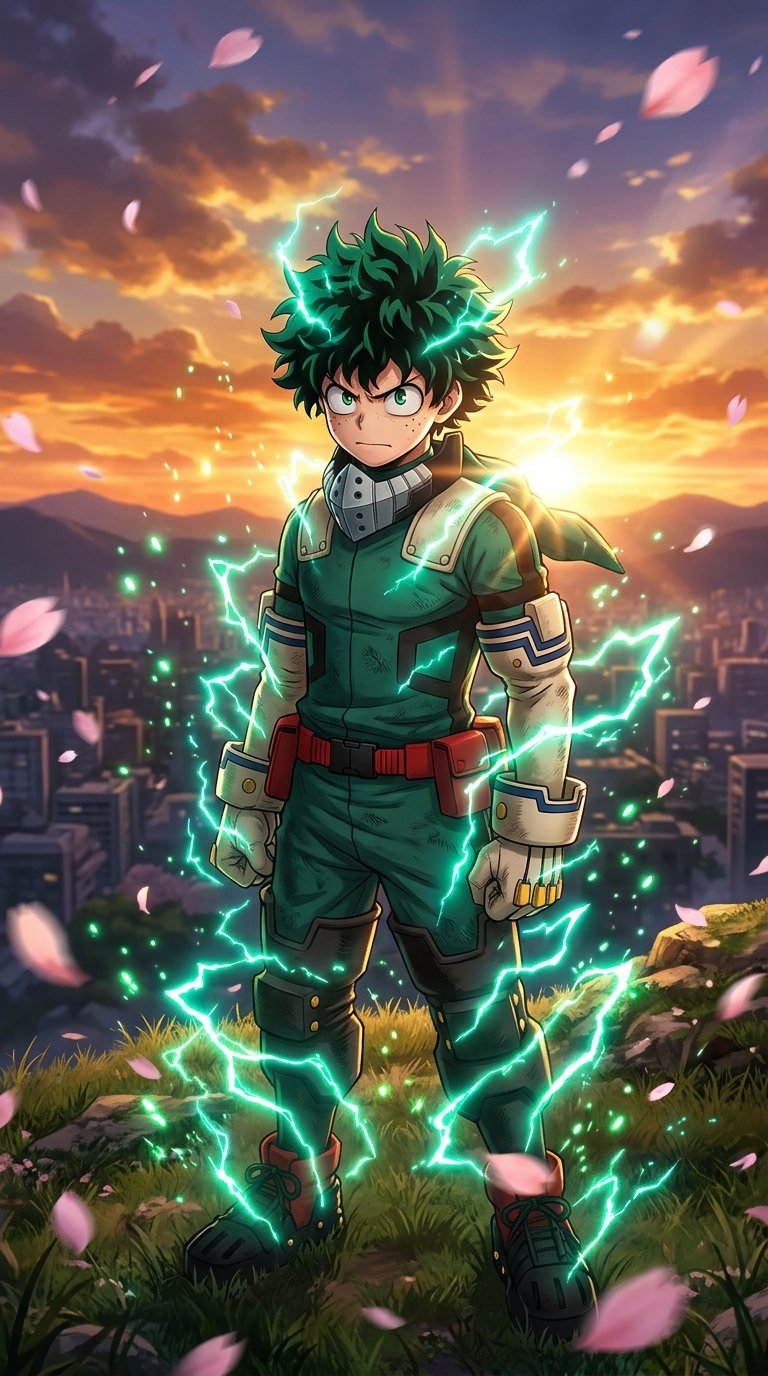
Izuku Midoriya 4K Wallpaper 8 is a 4K HD My Hero Academia wallpaper featuring Midoriya. Download it free for iPhone and Android and set it as your lock screen or home screen. More My Hero Academia wallpapers and live wallpapers are on Anime4KWall.
Wallpaper details
- Resolution
- Original
- Format
- JPG
- Orientation
- Portrait
- Category
- My Hero Academia
- Anime
- My Hero Academia
- Character
- Izuku Midoriya
- Recommended devices
- iPhone, Android, Lock screen, Home screen
Best for
- iPhone Portrait orientation matches iPhone, though this file is not especially tall — preview the crop before you set it.
- Android Portrait files are the default match for Android launchers. If your phone is 20:9, expect a little extra crop on the short edge.
- Lock screen Works as a lock screen if the focal point sits in the middle third. Bright textures behind the clock can hurt readability.
- Home screen Leave quieter zones where icons sit. If the art is very busy, use this file on the lock screen and a calmer one at home.
About this wallpaper
Izuku Midoriya 4K Wallpaper 8 is tagged as Izuku Midoriya from My Hero Academia. The stored file is a portrait JPG (Original).
Deku’s green lightning should not sit where iOS draws the time. A lower-body action crop can work if the face stays clear.
Hero-shot portraits work as home screens if icon packs are simple. Darker villain or night frames usually make better lock screens and OLED backgrounds.
Tags on this file: My Hero Academia and Midoriya.
Personal device background use only. Characters and artwork remain with their rights holders.
FAQ
Is this an official Izuku Midoriya / My Hero Academia wallpaper?
No. The catalog tags this file as Izuku Midoriya from My Hero Academia for personal device backgrounds. The artwork belongs to the rights holders.
Explore more
Related wallpapers


Recently viewed


Popular wallpapers


Comments
0Tap anywhere to close
Set as Wallpaper
- Download Original or the size for your screen.
- iPhone: Photos → Share → Use as Wallpaper.
- Android: Open image → Set as → Wallpaper.
- Desktop: Right-click → Set as desktop background.
Report wallpaper
Tell us what’s wrong and how we can reach you. We review reports quickly.
Loading…
Be the first to comment.