 HD
LIVE
PRO
Download
Only sizes this file can provide — we do not upscale a smaller source into 4K or Full HD.
Color Palette
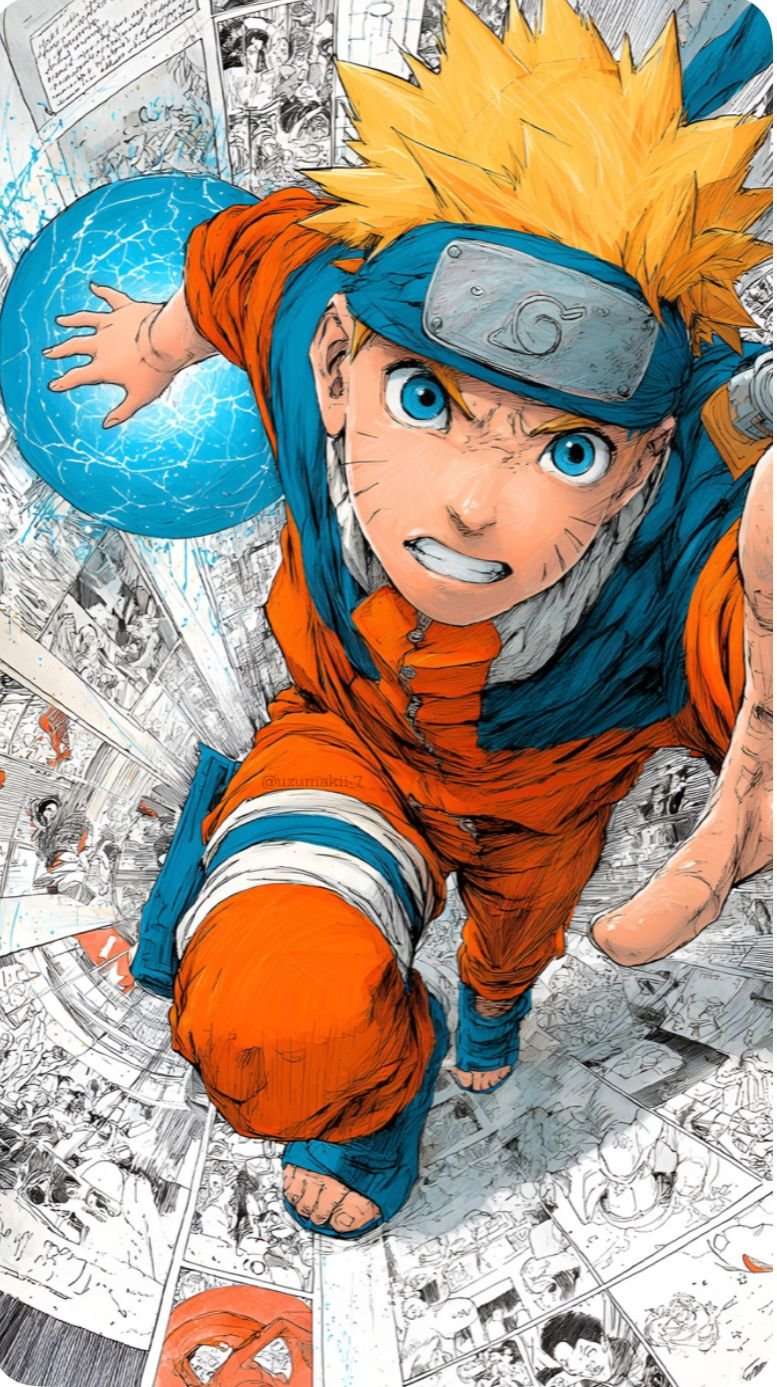
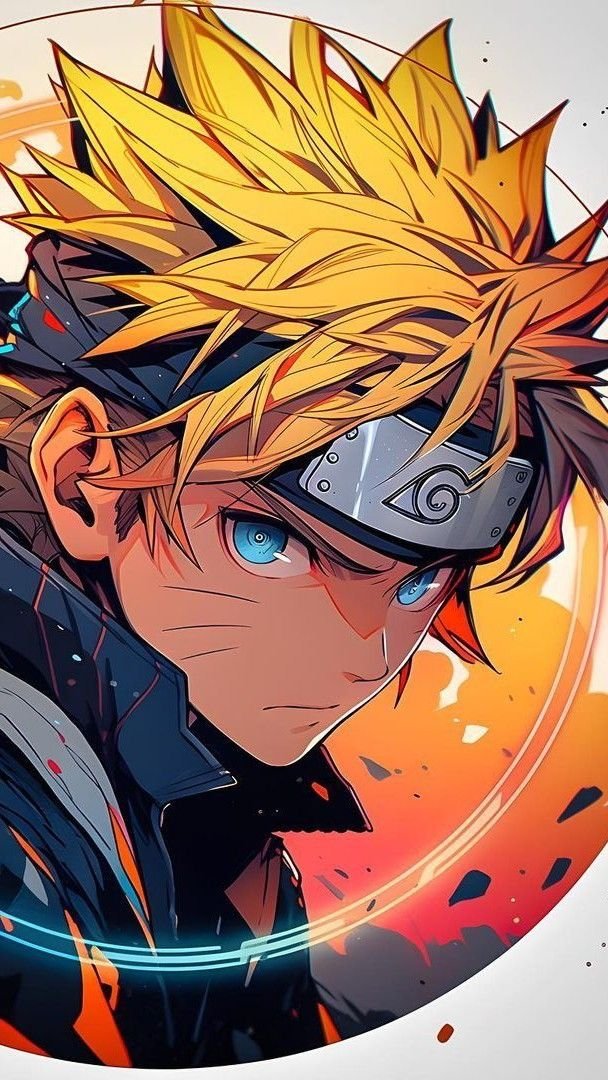
Naruto Rasengan Manga Wallpaper
Naruto Rasengan Manga is a 4K HD Naruto wallpaper. Download it free for iPhone and Android and set it as your lock screen or home screen. More Naruto wallpapers and live wallpapers are on Anime4KWall.
Wallpaper details
- Resolution
- 777×1387
- Width
- 777 px
- Height
- 1387 px
- Aspect ratio
- 9:16
- Format
- JPG
- Orientation
- Portrait
- File size
- 259.6 KB
- Category
- Naruto
- Recommended devices
- iPhone, Android, Lock screen, Home screen
Best for
- iPhone Portrait framing matches iPhone lock and home screens. Keep the subject out of the top clock / Dynamic Island band when you set the crop.
- Android Portrait files are the default match for Android launchers. If your phone is 20:9, expect a little extra crop on the short edge.
- Lock screen Works as a lock screen if the focal point sits in the middle third. Bright textures behind the clock can hurt readability.
- Home screen Leave quieter zones where icons sit. If the art is very busy, use this file on the lock screen and a calmer one at home.
About this wallpaper
Naruto Rasengan Manga sits in the Naruto category as a portrait JPG at 777×1387 — labelled 777×1387 from those pixels, not from the filename.
At 777×1387 this is a phone-sized source (777×1387). Use Original — larger 4K/Full HD buttons are not offered because they would upscale this file.
Tags on this file: Naruto, Anime, Shonen, Wallpaper, and Naruto Uzumaki.
Personal device background use only. Characters and artwork remain with their rights holders.
FAQ
What are the real pixels of this wallpaper?
The stored source is 777×1387 pixels, labelled 777×1387 from those dimensions (not from the filename). Download Original for that exact size. Extra 4K/QHD/Full HD files appear only when this source is large enough to downscale.
Will this wallpaper fit an iPhone or Android lock screen?
Yes as a starting point: it is a portrait file at 777×1387. Crop still depends on your notch/camera cutout. It will not look like a 4K poster if the source is smaller than your panel.
Related wallpapers
Popular wallpapers
Comments
0Tap anywhere to close
Set as Wallpaper
- Download Original or the size for your screen.
- iPhone: Photos → Share → Use as Wallpaper.
- Android: Open image → Set as → Wallpaper.
- Desktop: Right-click → Set as desktop background.
Report wallpaper
Tell us what’s wrong and how we can reach you. We review reports quickly.
Loading…
Be the first to comment.