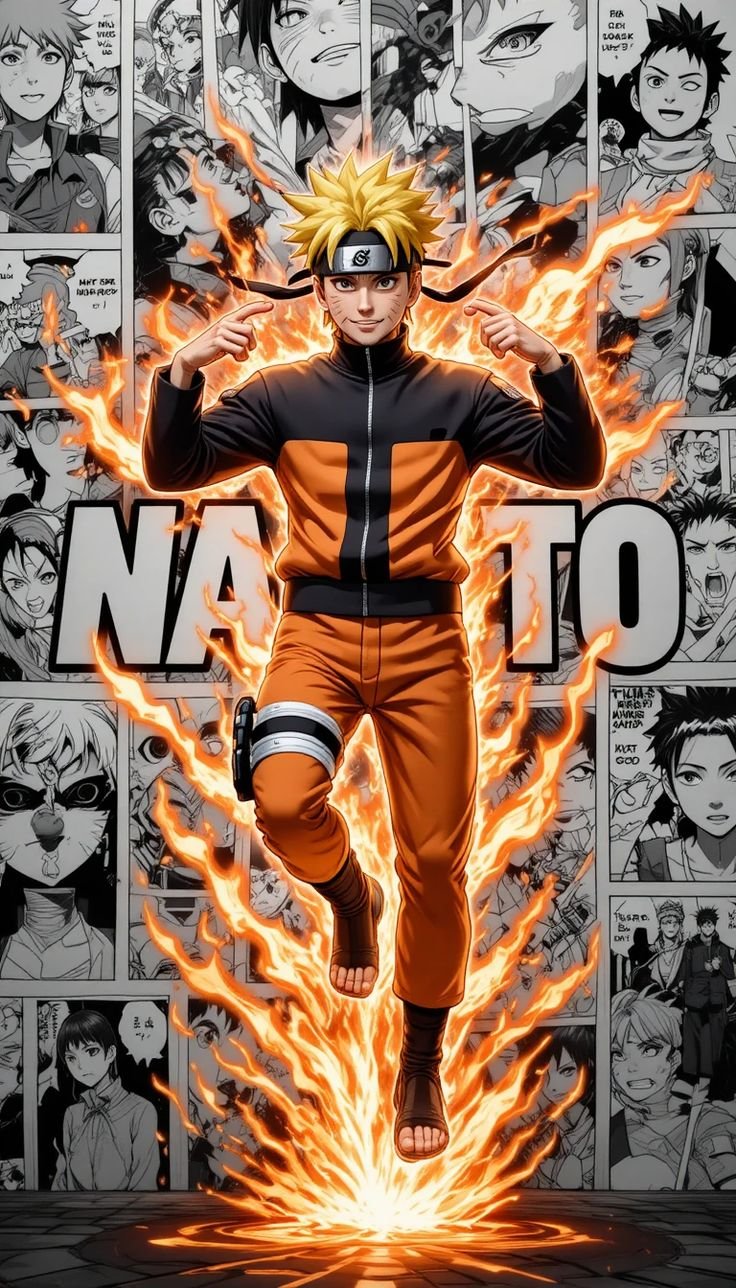
A plain-language guide to phone screen resolutions and aspect ratios, why some wallpapers look blurry, and how we label every file on Anime4KWall with its real size.
"4K wallpaper" is one of the most common searches for phone backgrounds, and one of the most misused labels. Many images labeled 4K online are nowhere near that size. And for a phone, true 4K is not even what you need. This guide explains what resolution means for a wallpaper, what size your phone actually uses, and how to read the labels on Anime4KWall.
Resolution, in one paragraph
A digital image is a grid of pixels. "1080×1920" means 1,080 pixels across and 1,920 down. Your phone's screen is also a grid of pixels. When the image grid is at least as big as the screen grid, every screen pixel gets real image data and the wallpaper looks sharp. When the image is smaller, the phone stretches it and fills the gaps by blending neighboring pixels, which looks soft or blurry.
What size is your screen?
| Phone | Screen resolution | Shape |
|---|---|---|
| iPhone SE (2nd/3rd gen) | 750 × 1334 | 16:9 |
| iPhone 15 / 16 | 1179 × 2556 | 19.5:9 |
| iPhone 16 Pro Max | 1320 × 2868 | 19.5:9 |
| Samsung Galaxy S24 | 1080 × 2340 | 19.5:9 |
| Google Pixel 8 | 1080 × 2400 | 20:9 |
Two things stand out. First, most current phones are between 1080 and 1320 pixels wide. Second, almost all of them are taller than 16:9.
So do you need 4K?
A 4K image is 3840×2160 (or 2160×3840 in portrait). That is more than twice as wide as any phone screen. Your phone will scale it down, and the result looks the same as a well-made file at your screen's own size. 4K files are useful for 4K monitors and TVs, and they give you room to crop, but for a phone wallpaper the practical target is simpler:
- Width of at least 1080 pixels for most phones.
- Width of 1200–1320 pixels if you have a Pro Max or Ultra model and want it perfectly sharp.
- A tall shape, ideally around 1:2, so it fills the screen without cropping.
Why so many anime wallpapers are 736 pixels wide
If you download anime wallpapers from different places, you will notice a lot of files that are exactly 736 pixels wide. That number comes from the way some image-sharing sites resize uploads for their feeds. Those copies get saved and re-shared, and the smaller size spreads.
A 736-pixel file is not useless. On a 750-pixel iPhone SE it is essentially native size. On a 1080-pixel phone it is enlarged by about 1.5×, and bold art with thick outlines can still look good. But on a 1320-pixel Pro Max it is enlarged by 1.8×, and fine details soften visibly.
How we label files on Anime4KWall
We label every wallpaper by its real pixel size, measured from the file itself. We do not call a file "4K" or "Full HD" unless it actually is. On each wallpaper page you will see the exact dimensions, and the download options only include sizes the original can really provide; we never upscale a small file and label it as a bigger one.
The labels mean:
- 4K: at least 3840 pixels on the long side and 2160 on the short side.
- QHD: around 2560×1440.
- Full HD: around 1920×1080.
- HD: around 1280×720.
- Exact size (for example 736×1308): the file does not match a standard size, so we show its real dimensions.
Examples from the site
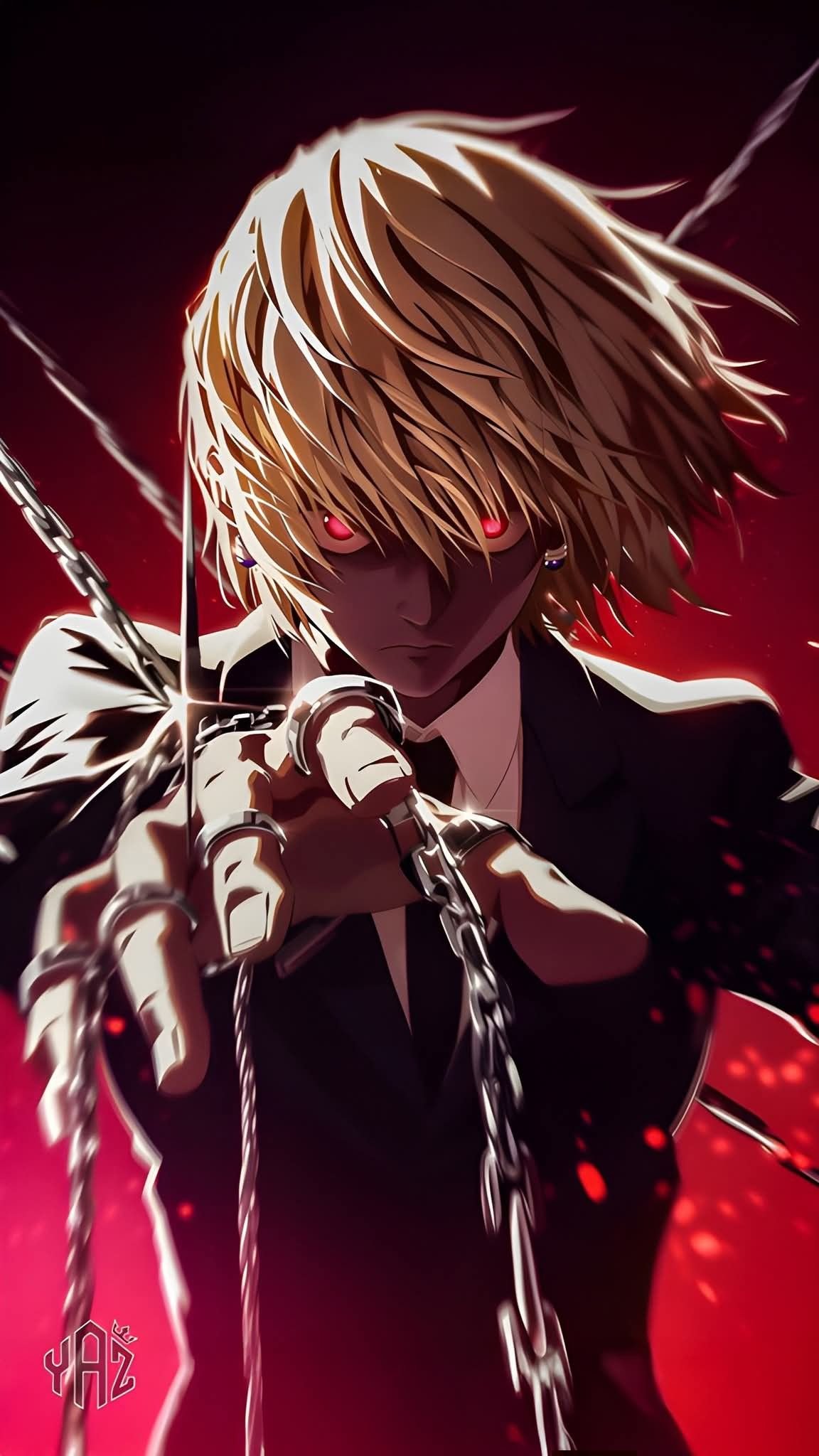
Kurapika Scarlet Eyes is 1152×2048, a tall file that is sharp on most phones in the table above; on the widest iPhones it is enlarged only slightly.
- Naruto Double Exposure (1200×2660): almost exactly the shape of a modern iPhone.
- Qin Shi Huang (1200×2345): Record of Ragnarok art at a near-phone shape.
- Saitama Serious Punch (1200×2140): large and bold, sharp on flagship phones.
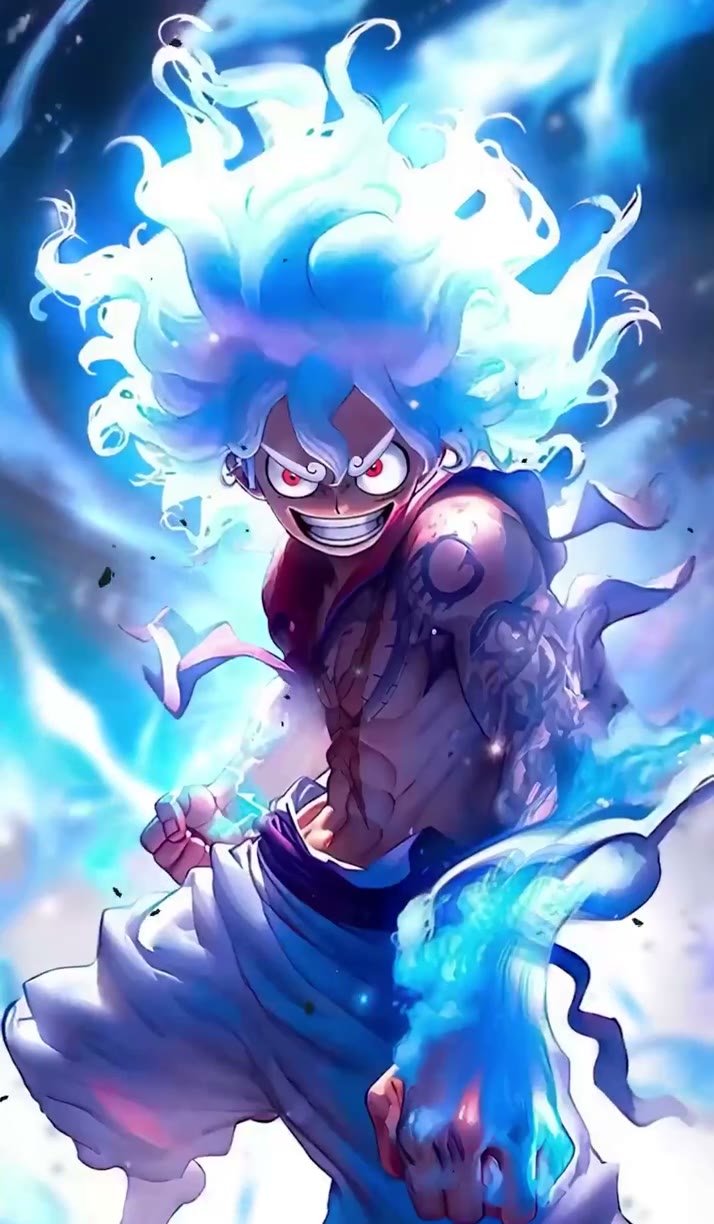
- Luffy Intense Gaze (736×1308): a typical 736-pixel file. Great on compact phones, slightly soft on large ones.
Tablets and computers
Bigger screens need bigger files, and the shape changes too.
- Laptops and monitors are landscape, usually 16:9 or 16:10. A 1920×1080 file fills a standard laptop; a 1440p or 4K monitor needs 2560×1440 or 3840×2160 to look sharp. Portrait phone wallpapers will not fit a desktop without heavy cropping.
- iPads are about 4:3 and rotate, so iPadOS crops the wallpaper differently in portrait and landscape. A square-ish file of at least 2048 pixels on each side covers both orientations.
- Android tablets vary, but most are close to 16:10. Landscape files around 2560 pixels wide work well.
Most of the Anime4KWall collection is made for phones, but a few landscape files, such as Hunter X Hunter Cast Collage (1200×800), are a good fit for smaller laptops and tablets.
Five habits for sharper wallpapers
- Check the real size on the wallpaper page before you download.
- Download the original file. Screenshots save the scaled preview, not the image.
- Do not zoom in when setting the wallpaper; drag to reposition instead.
- On Android, turn off "scrolling wallpaper" for portrait art so it is not stretched across several home screens.
- If a file is small, choose bold, high-contrast art. It hides scaling far better than detailed illustration.
For a deeper comparison of sizes, see our guide 4K vs 2K vs Full HD wallpapers.