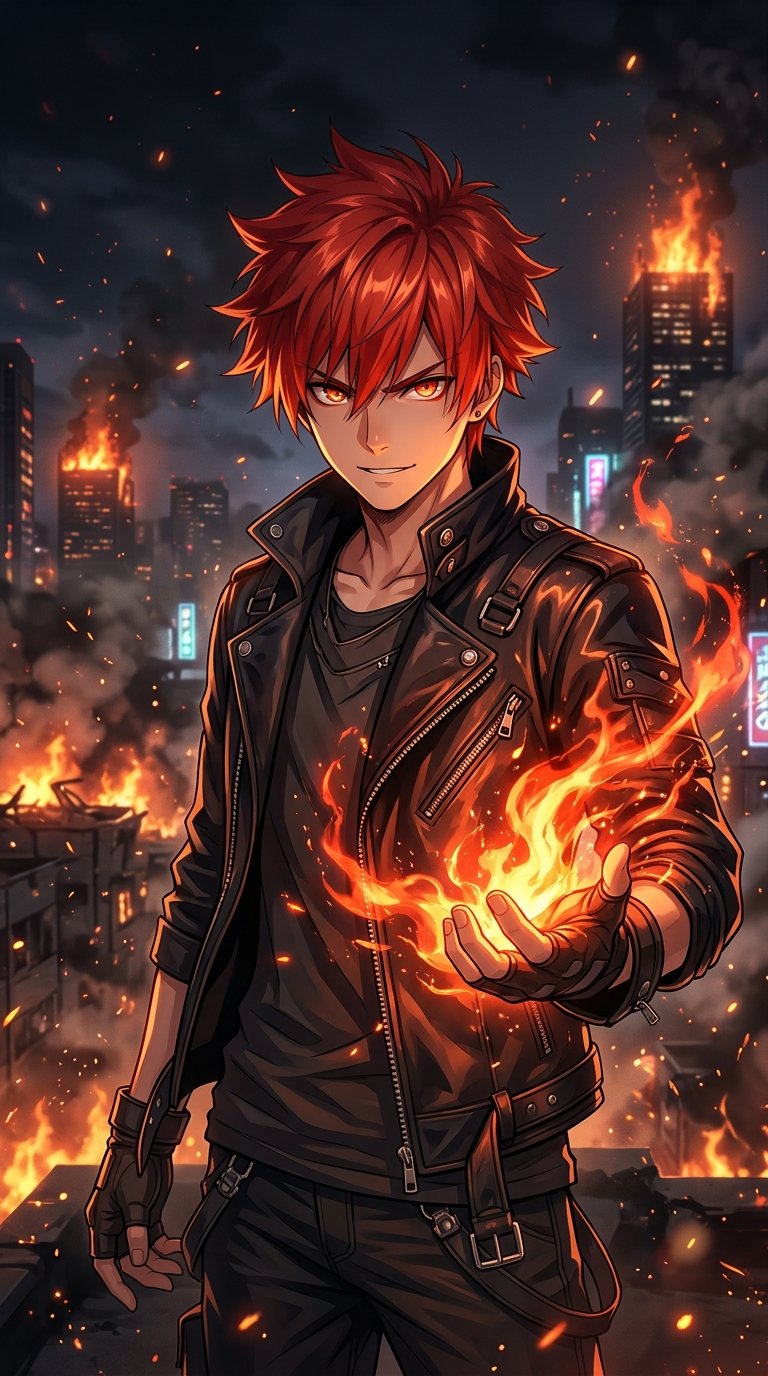
All anime live wallpapers on Anime4KWall: Luffy Gear 5, Zoro, Zenitsu, Tanjiro and Gojo in 1080x1920, plus how to set them on iPhone and Android.
A live wallpaper moves when you press and hold your lock screen, or plays as a looping video behind your icons on Android. Anime4KWall has a small but growing set of anime live wallpapers, all in full 1080 by 1920 HD. Here is every one of them, with the series it comes from and how to set it.
One Piece
One Piece has the most live wallpapers. Luffy Straw Hat Sunrise is the most downloaded: Luffy in his straw hat against a rising sun.

Luffy Gear 5 Nika shows Luffy's Gear 5 form, and Monkey D. Luffy Inferno Aura wraps him in fire. For the swordsman, Roronoa Zoro Blue Aura gives Zoro a blue aura that looks great on OLED.

Demon Slayer
Zenitsu Agatsuma Thunder Breathing captures Zenitsu's Thunder Breathing, and Tanjiro Kamado Water Breathing is the Water Breathing counterpart for Tanjiro fans.

Jujutsu Kaisen
Satoru Gojo Unlimited Blue is Gojo with his Limitless blue technique, the only JJK live wallpaper on the site so far.

How to set a live wallpaper
iPhone
iPhone live wallpapers need a Live Photo, not a video. The easiest way is the free Anime4KWall iPhone app: open a live wallpaper, tap Save, and the app saves it to Photos as a Live Photo.
- Open Settings → Wallpaper → Add New Wallpaper → Photos and pick the Live Photo.
- Make sure the Live Photo button is on, then tap Add.
- On the lock screen, press and hold to see it move.
The website download is an MP4 video. You can turn an MP4 into a Live Photo with a converter app, but the Anime4KWall app does it in one tap.
Android
- Download the MP4 file from the wallpaper page.
- Use your phone's video wallpaper option (on Samsung: Wallpaper and style → Change wallpapers → Gallery, then pick the video), or a free video wallpaper app.
Does a live wallpaper drain the battery?
A little. On iPhone the animation only plays when you press and hold, so the impact is tiny. On Android a looping video wallpaper uses more power, especially on the home screen. If battery matters, use the live version only on the lock screen.
See all live wallpapers on the live wallpapers page, or get them in the Anime4KWall iPhone app.